Slideshows thatalready work,remade for your app.
Paste your App Store or Google Play link. Encore finds the most viewed TikTok slideshows in your niche, takes their format apart, and makes one just like it with your app worked in. Then download it, ready to post.
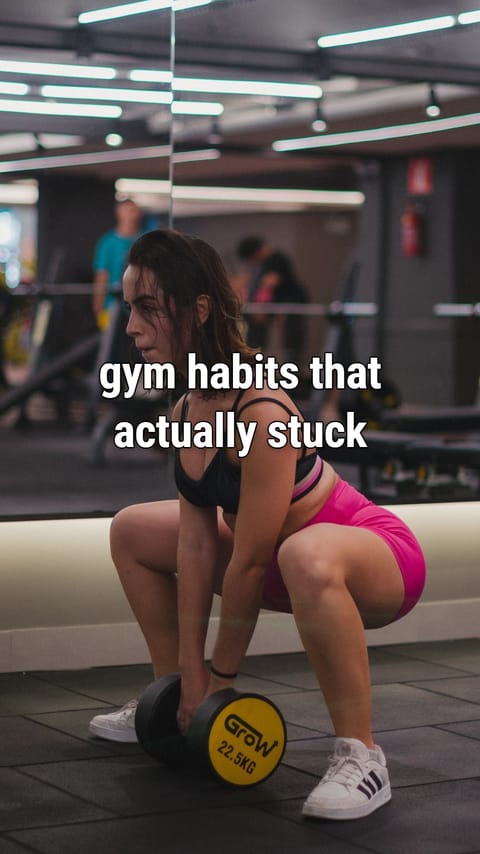
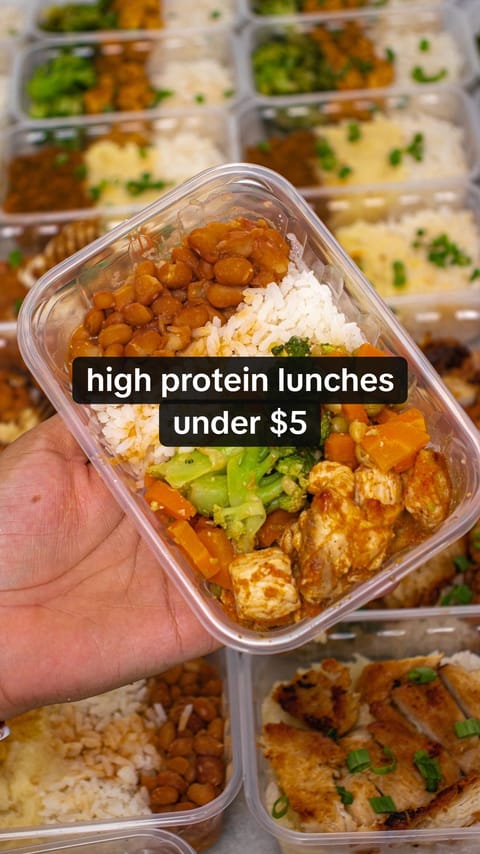
Example slideshows across niches. Drag to spin.
It copies the formats getting views this week:
- Numbered tips
- Photo dumps
- Text-message stories
- Before and after
- Things I stopped doing
- Day in my life
What happens after you paste the link
A few minutes, start to finish. You can close the tab and come back when it's ready.
- 1
We read your listing
Your description, category and reviews tell us who uses the app and what they watch on TikTok.
sleep schedule resetnight routinehow i fixed my sleep3am thoughts - 2
We search TikTok's slideshows
Photo carousels ranked by views, one per creator, favoring posts that beat their follower count.
“night routine”1.4M“how i fixed my sleep”1.2M“sleep schedule reset”870K - 3
We take the winning format apart
The hook, what each slide does, how the text is set, the photo style, and where a product fits.
hooktiptiptipapptip{N} things that finally fixed my {problem}
- 4
We make yours
New words for your niche, real photos where they fit, AI where the format needs it, and your app once, casually.
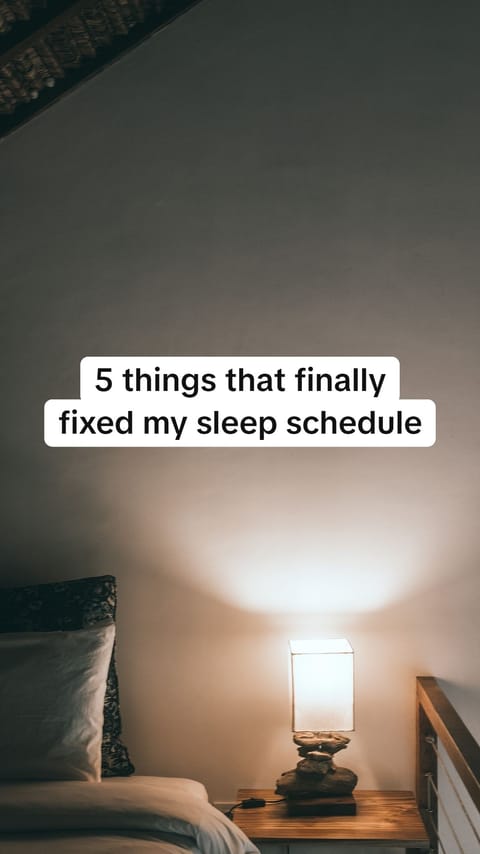

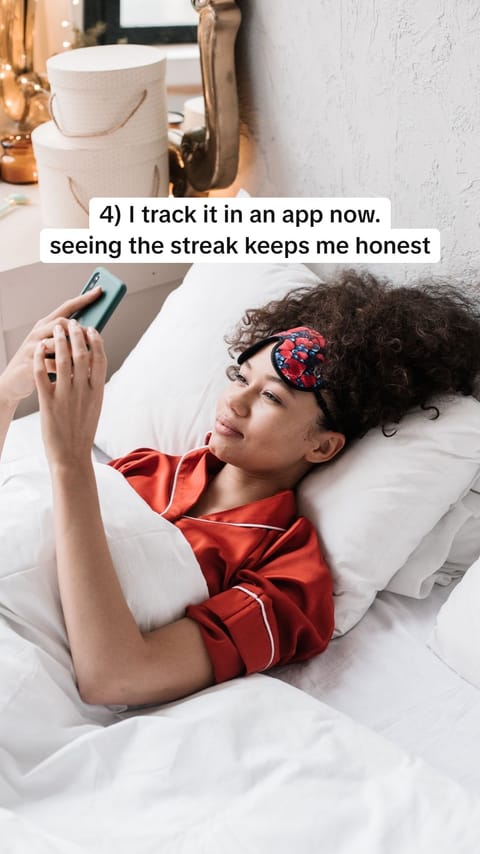
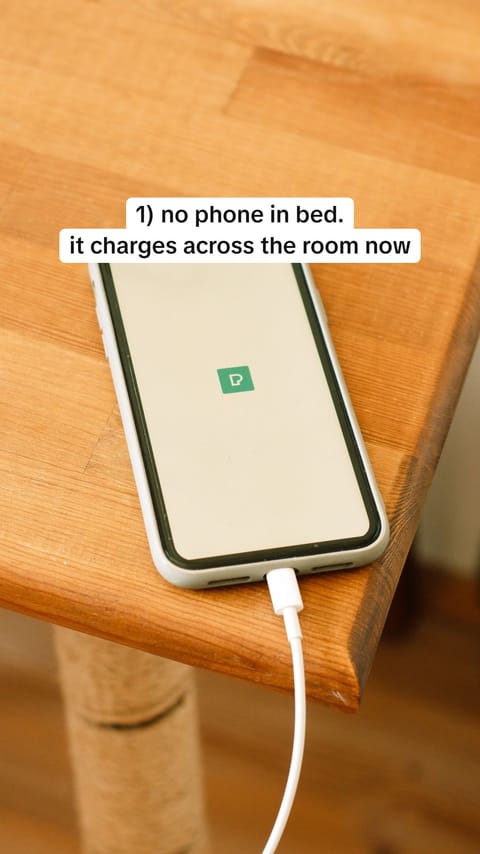
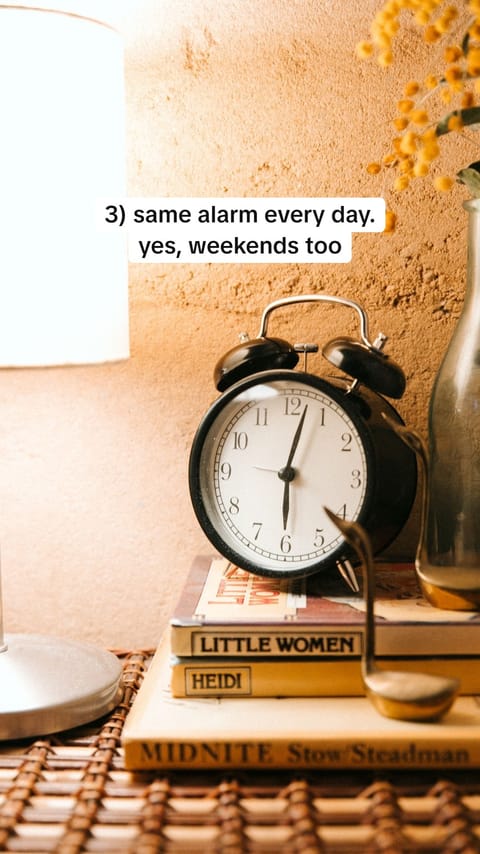
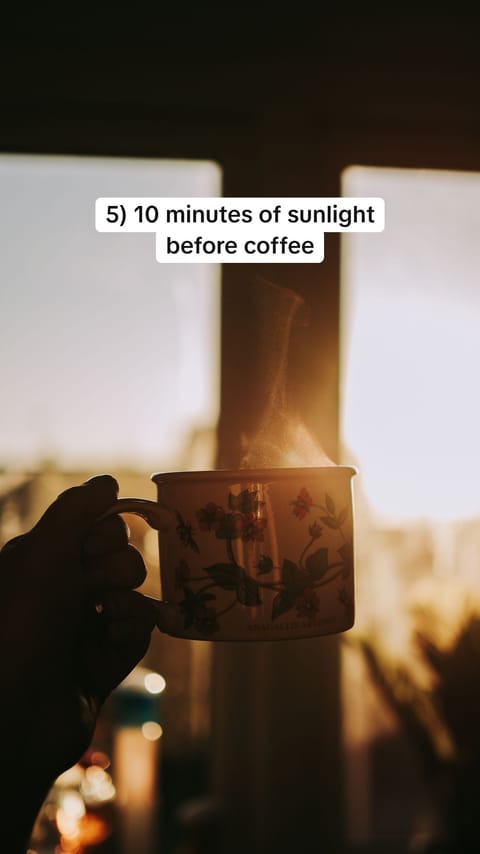
two weeks in and I'm actually waking up before my alarm 🌙 save this for tonight #sleeptok
Ready to post, and yours to change
Every slideshow comes with a caption, hashtags and a sound idea, plus the slideshow it was modeled on, so you can see why it should work.
Caption
two weeks in and I'm actually waking up before my alarm 🌙 save this for tonight
#sleeptok #nightroutine #sleepschedule #selfcare
Soft lo-fi piano, the slowed kind
Modeled on
A numbered-tips slideshow with 1.2M views. Same hook, slide order and text style. New words, new photos.
- Edit any line and watch the slide update as you type.
- Swap a photo for another stock photo for free, or retake it with AI.
- Send it to your TikTok app now or at a time you pick.Coming soon
- Or download every slide and the caption in one ZIP, for TikTok or Instagram.
Coming soon
Then it goes to TikTok, and gets better every time
Soon you'll send each slideshow to your TikTok app, now or at a time you pick, and add a trending sound. Every post's views come back, so the next slideshow leans on what worked.
In your TikTok app, on time
Schedule it and it lands in your TikTok inbox right on time, ready for a sound. Any number of accounts.
5 things that fixed my sleep
Today, 18:00

things I stopped buying in my 20s
Today, 21:00

how I study 6 hours without burning out
Tomorrow, 09:00
Learns what works for you
Formats that get views for your app are used again. Formats that flop stop showing up. One click makes more like your best post.
Views next to revenue
Views, likes, shares and followers per post and per day. Connect RevenueCat and see MRR, trials and new customers on the same page.
Views, 30 days
86.5K
+18%
New trials
412
+64
MRR
$3,240
+$410
Works with your AI
Connect Claude, ChatGPT, Cursor or Claude Code. Ask for a slideshow, look at the slides, change a line, schedule it and check what's working, all from the chat.
you make a carousel for my app in the format that did best last week and schedule it for tomorrow at 6pm
Encore · create_carousel → get_carousel → schedule_post
Templates are guesses. Encore copies what's winning this week.
Slideshow template tools
- You pick from a fixed set of templates
- You write the hooks and the prompts
- You build and upload image libraries
- The same format, post after post
- Analytics you read and act on yourself
Encore
- The format comes from the most viewed slideshows in your niche, found that day
- Hooks and slides written for you, in the reference's style
- Real photos where they fit, AI where the format needs it
- A different proven format each post, from one app link
- Results feed back in: more of what gets you views
Pay per slideshow, not per seat
One slideshow uses one carousel credit. Editing text is always free, and every slideshow includes photo retakes.
Free
$0forever
See what it makes for your app.
- 1 carousel
- Download for TikTok and Instagram
- Text editing
- 5 photo retakes per carousel
Creator
$29a month
One app, posting most days.
- 45 carousels a month
- Make up to 5 at once
- Posting to TikTok (coming soon)
- RevenueCat revenue in Analytics
- Works with Claude, ChatGPT and Cursor
Studio
$79a month
Several apps, or several accounts.
- 150 carousels a month
- Everything in Creator
- Make up to 10 at once
- Priority in the queue
Questions
Do you post to TikTok for me?
Soon. We're waiting on TikTok's approval for its official posting API. Then Encore sends each slideshow to your TikTok app, right away or at a time you pick, and you add a trending sound and post. For now, download every slide and the caption in one ZIP and post them from TikTok.
Does it learn what works?
It will once posting to TikTok is live: Encore reads every post's views, likes and shares back, offers the formats that perform for your app again and avoids the ones that flop. Today, you pick the format from what's trending in your niche, and one click makes more like a slideshow you liked.
Can I copy a slideshow I saw?
Paste its TikTok link when you make a carousel and Encore copies that format, with your app and new words and photos.
Does it work with Claude or ChatGPT?
Yes. Create an API key in Settings and connect Encore to Claude, ChatGPT, Cursor, Codex or Claude Code. Your agent can make carousels, look at the slides and edit them.
Will it copy someone's slideshow?
It copies the structure: how many slides, what each one does, the hook pattern, text style and photo style. The words and photos are new. The original creator's text and images are never reused.
Do I need to upload screenshots?
They help. Upload raw screenshots of your app's screens (not your store marketing images) and the slide that features your app shows the real interface on a phone. Without them, it shows your app icon and name.
Where do the photos come from?
Where an ordinary real photo fits the format, like a desk, a sky or a plate of food, we use a free photo from Pexels and credit the photographer. Where the format needs something specific, like the same person on every slide or your app on a phone, the photo is made with AI. You can choose all AI photos when you start a slideshow.
How long does one take?
Usually three to six minutes. Most of that is searching TikTok and getting the photos. You can leave the page; your slideshow keeps going and shows up in your studio.
Which apps work?
Any app with a public App Store or Google Play page. It works best when the app solves a problem people already talk about on TikTok: fitness, study, money, sleep, dating, productivity and so on.
What if I don't like a slide?
Change the text and see it update as you type, for free. Swap the photo for another stock photo, also free, or retake it with AI and say what it should show. Each slideshow includes a set number of AI retakes.